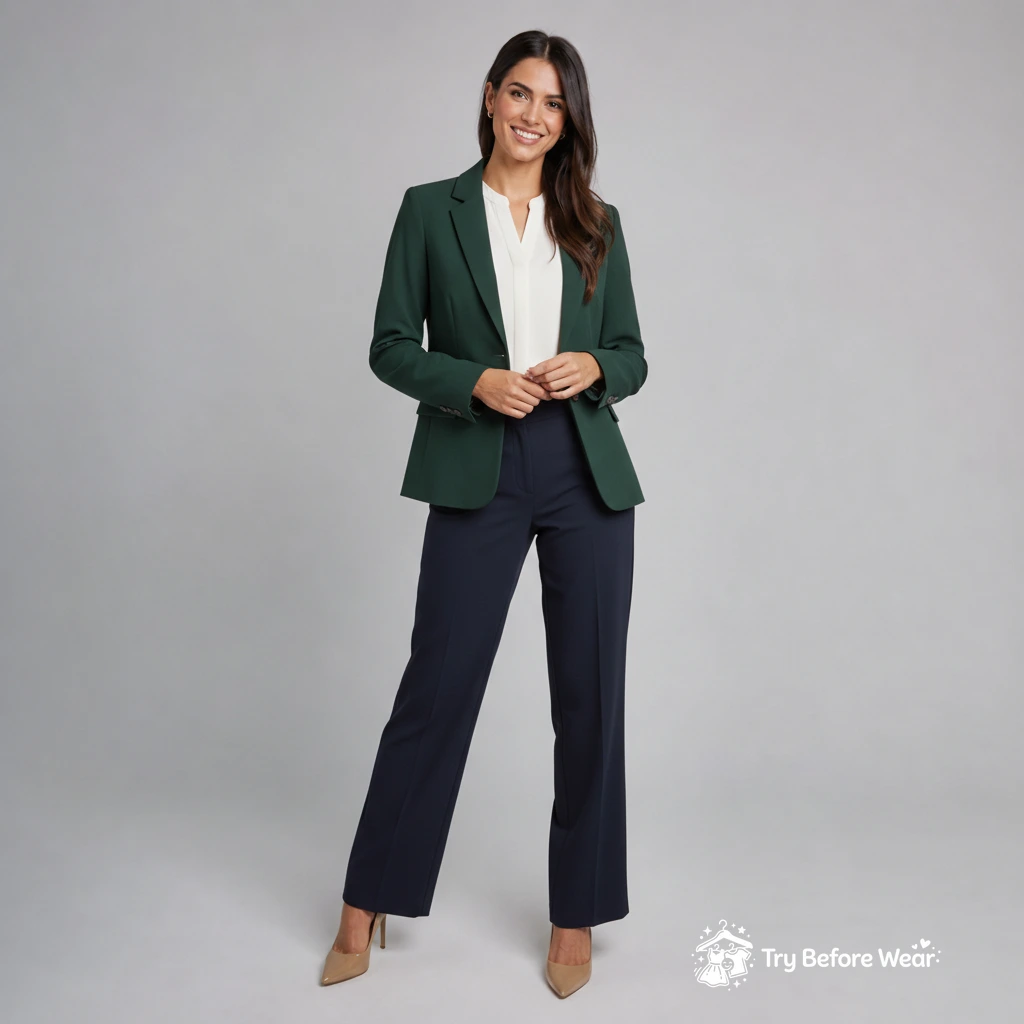
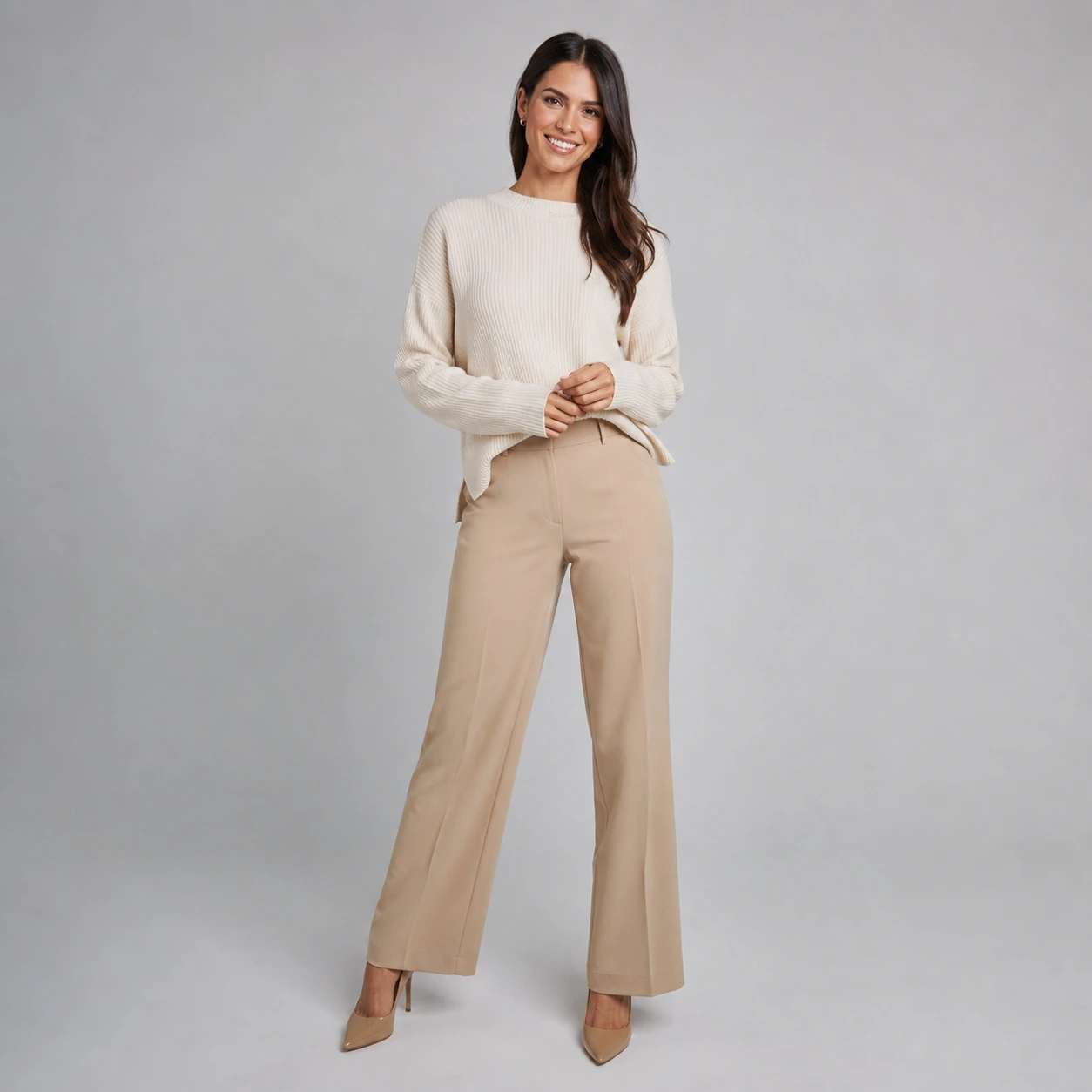
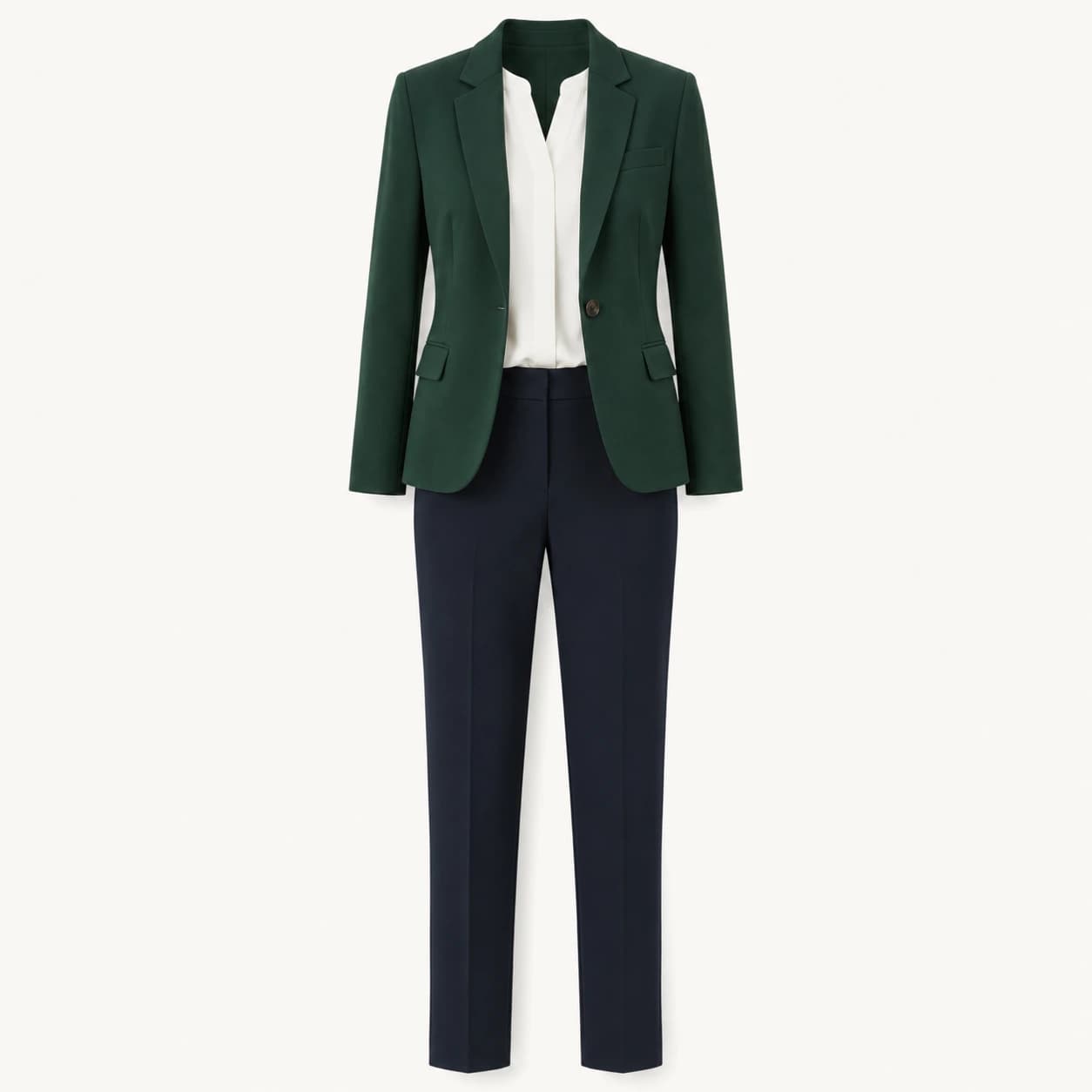
Outfit reference
Same person, new outfit preview
How it works
Four steps from upload to preview.
Upload your photo
Use a clear photo where your face and outfit area are visible.
Add the outfit
Upload a product photo or model photo of the clothing.
Better photos create better previews
Follow these guidelines for the most accurate try-on results.
Good uploads
- One person, front-facing
- Clear, even lighting
- Face and body visible
- Clear outfit photo
- Product photos or flat lays work best
Avoid these
Features that matter
Everything you need to visualize outfits with confidence.
Before/after comparison
Compare your original photo with the try-on result using an interactive slider.
Smart try-on scope
Choose Auto, Top only, Bottom only, Full outfit, or Shoes only for precise results.
Regenerate when needed
Not satisfied? Regenerate with the same photos for a different result.
Who is this for?
Whether you shop online or create content, WearOnMe helps you decide with confidence.
Online shopping decisions
See how items look on you before adding to cart. Reduce returns and shop smarter.
Content creators
Create outfit preview content without needing to physically own every piece.
Outfit planning
Start free, upgrade when ready
No hidden fees. Cancel anytime.
Free
Start with free monthly try-ons.
- 5 generations/month
- Watermarked results
- Preview and download
- Images deleted after 10 days
- Ads may appear
- Watermarked results
Starter
More generations and priority features.
- 60 generations/month
- No watermark
- No ads
- Smart retries
- Pinterest sharing
- Smart retries
- No ads
Frequently asked questions
Everything you need to know before getting started.
The goal is to preserve your face and only change the clothing area. Our AI is designed to keep your identity, expression, and background intact.
Clear product-style images work best. One outfit per image is recommended. Flat lays, product photos, or photos of someone wearing the garment all work well.
Your images are not shared, sold, or used for training. Uploaded images are automatically deleted after 10 days, or sooner if you delete them.
You can regenerate with the same photos for a different result. Credits are only used when a result is successfully created.
AI image generation has a real cost, so credits help manage monthly usage. Free accounts get 5 generations per month to try the core workflow.